Live market display · Made in the Netherlands
Stop checking
your phone.
Tickrix is a small WiFi display that keeps crypto, stocks, forex, gold and oil on your desk — live, all day. You don't read it. You glance at it, and you're back to work.
The loop
You open your phone for one price. You lose twenty minutes.
The chart app leads to the messages. The messages lead to the feed. By the time you look up, the number you actually wanted is the only thing you didn't get.
A screen that does one job breaks that loop. Not because it's clever — because there is nothing else on it.
The device
Everything you watch. At once.
— 01
No scrolling. No waiting your turn.
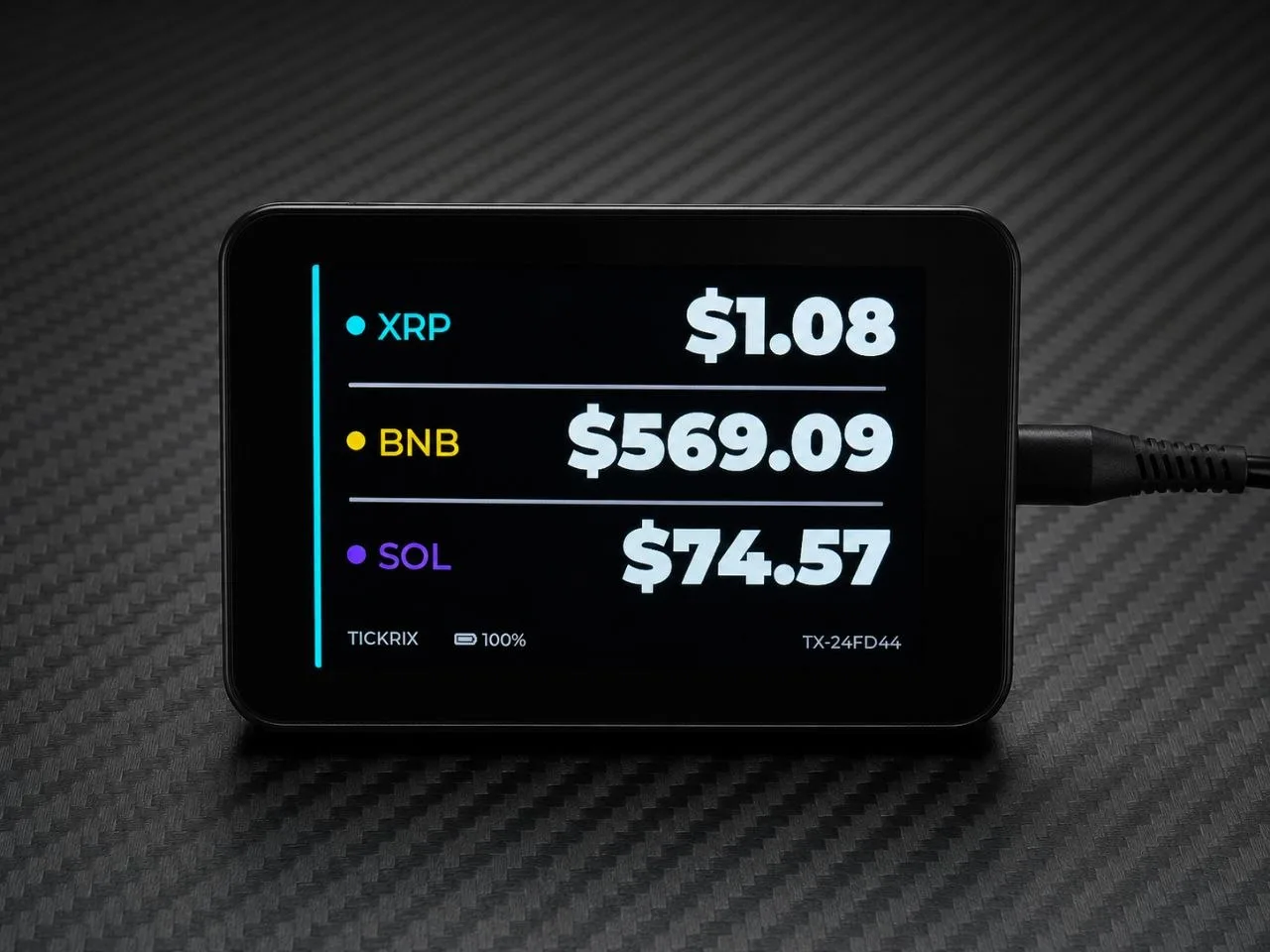
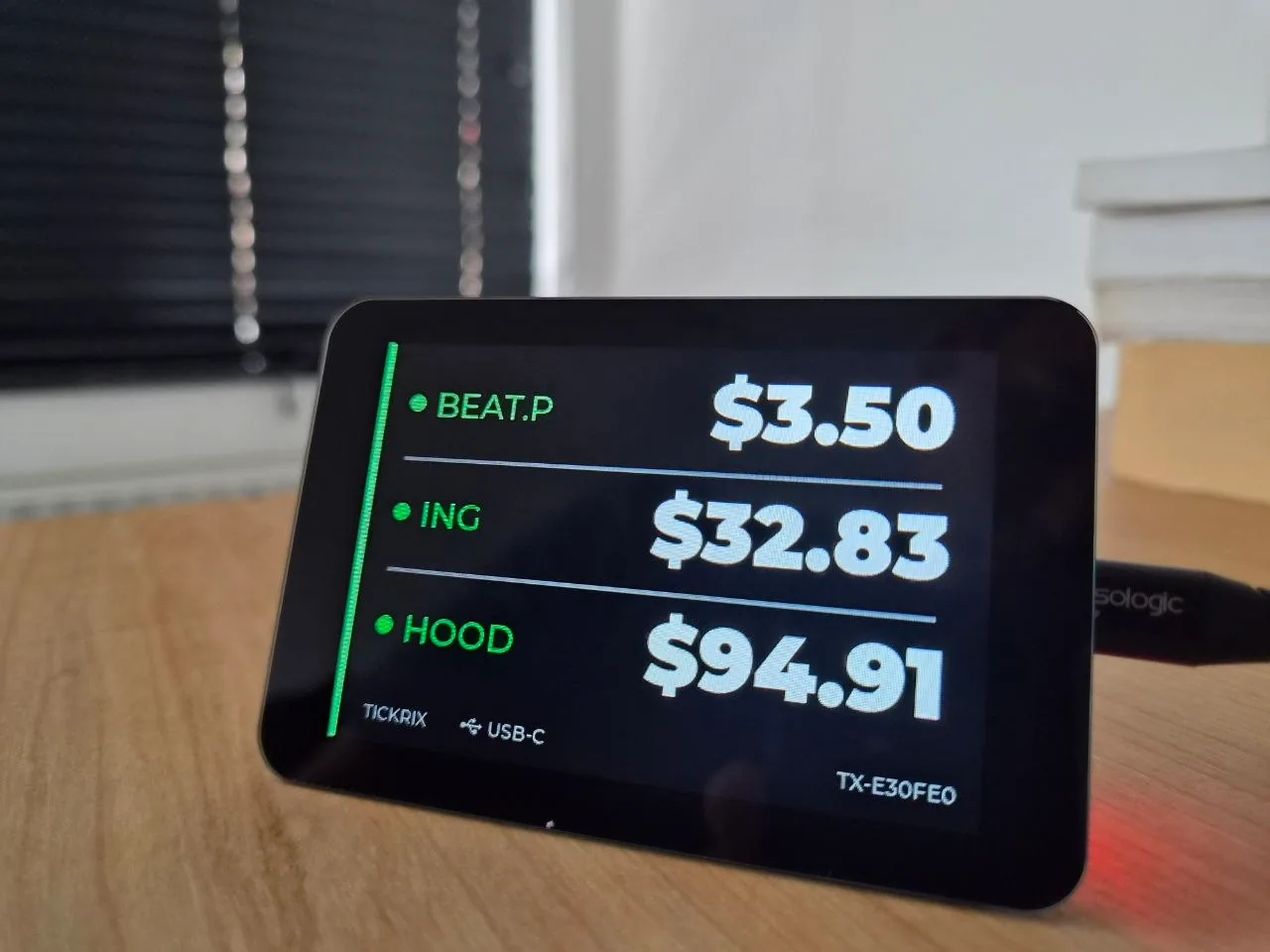
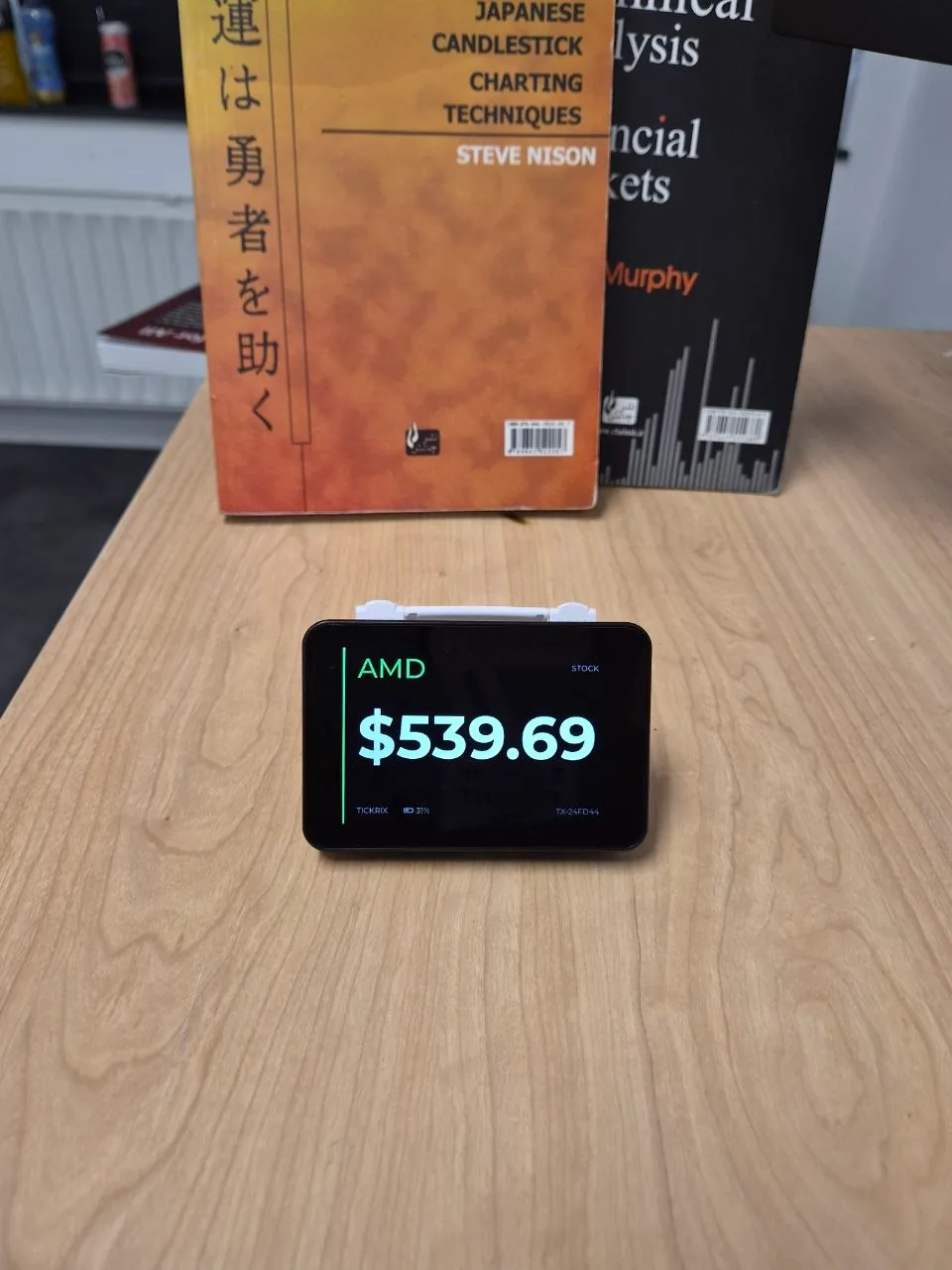
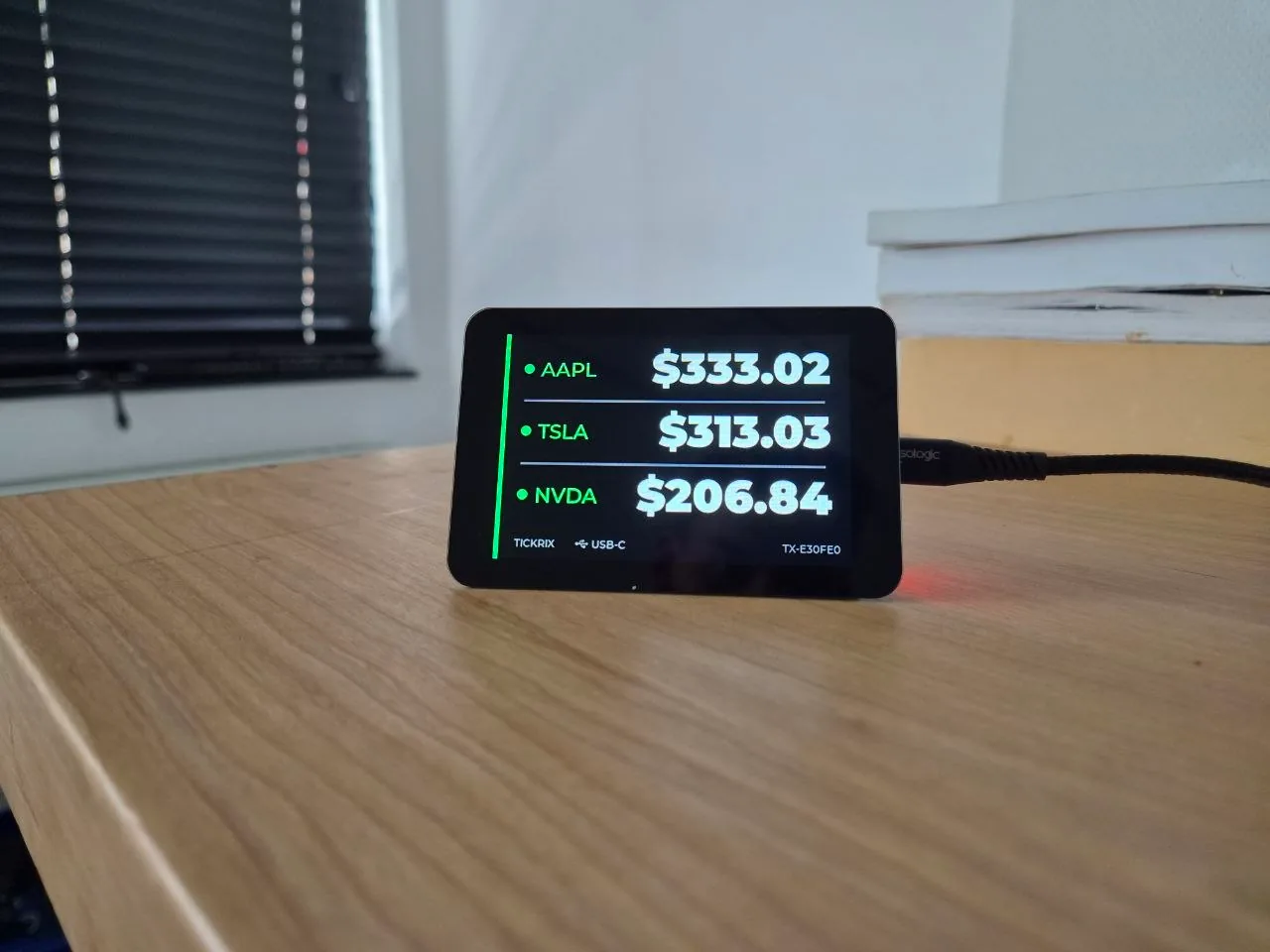
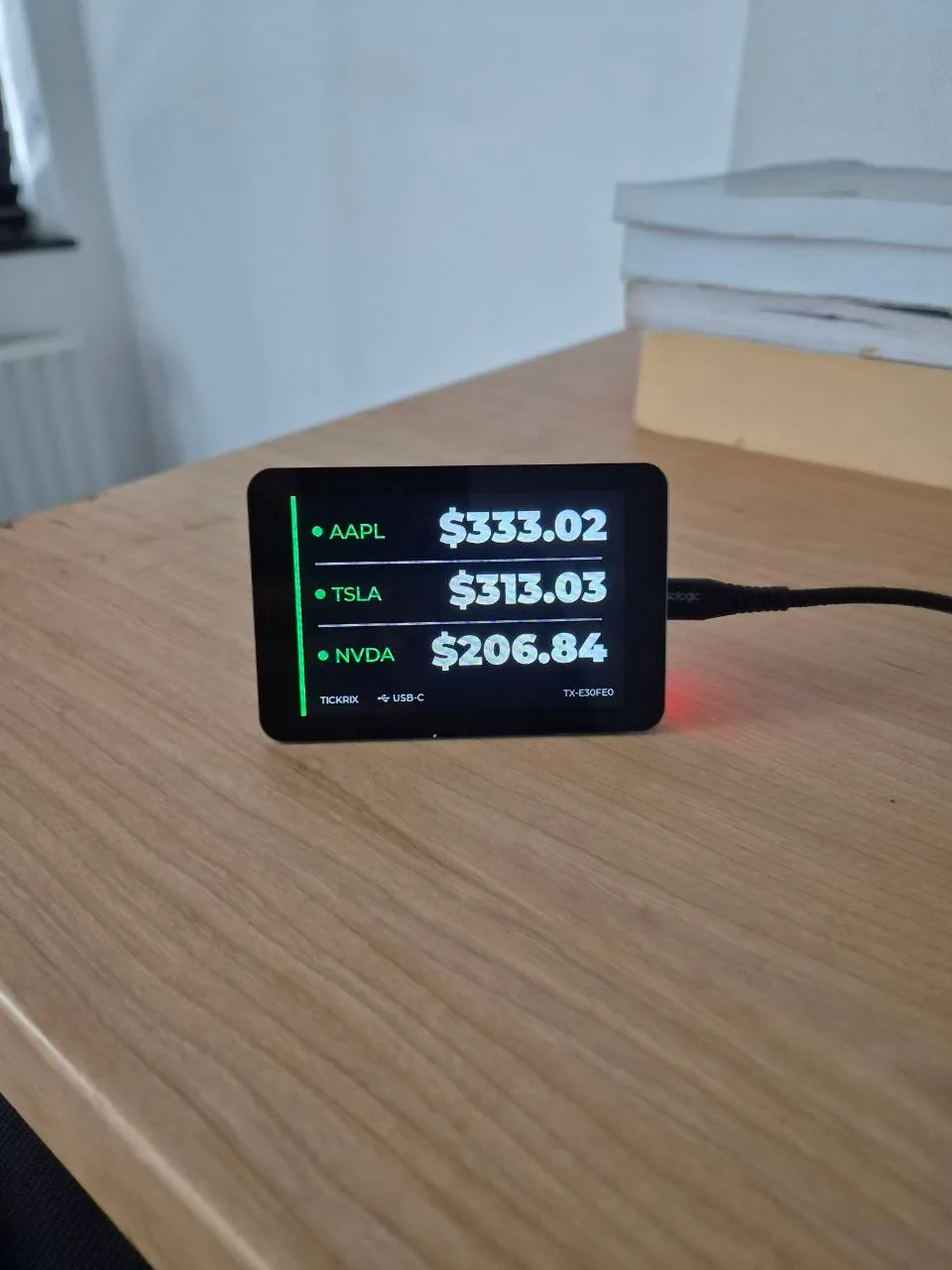
Most desk tickers are a single strip of LEDs: your asset comes round when it comes round. Tickrix has a 3.5-inch IPS panel, so it can hold three assets on screen simultaneously — or throw one price up in digits you can read from the other side of the room.
Each asset gets its own colour. Bitcoin orange, stocks green, forex pairs green-on-black. Your eye learns the layout in a day and stops reading the labels.
— 02
It rotates. Until you tell it not to.
Load up to 20 assets and Tickrix cycles them on its own. When something is moving and you want to sit on it, press the button and the rotation stops. Press again and it picks up where it left off.
— 03
It just sits there and works.
No browser tab eating your laptop battery. No phone app to update. Tickrix joins your WiFi, pulls prices every ten seconds or so, and reconnects by itself after a router reboot or an outage — which is the part cheap hardware always gets wrong.
If a price source goes down, it fails over to a backup provider without asking you.
Running
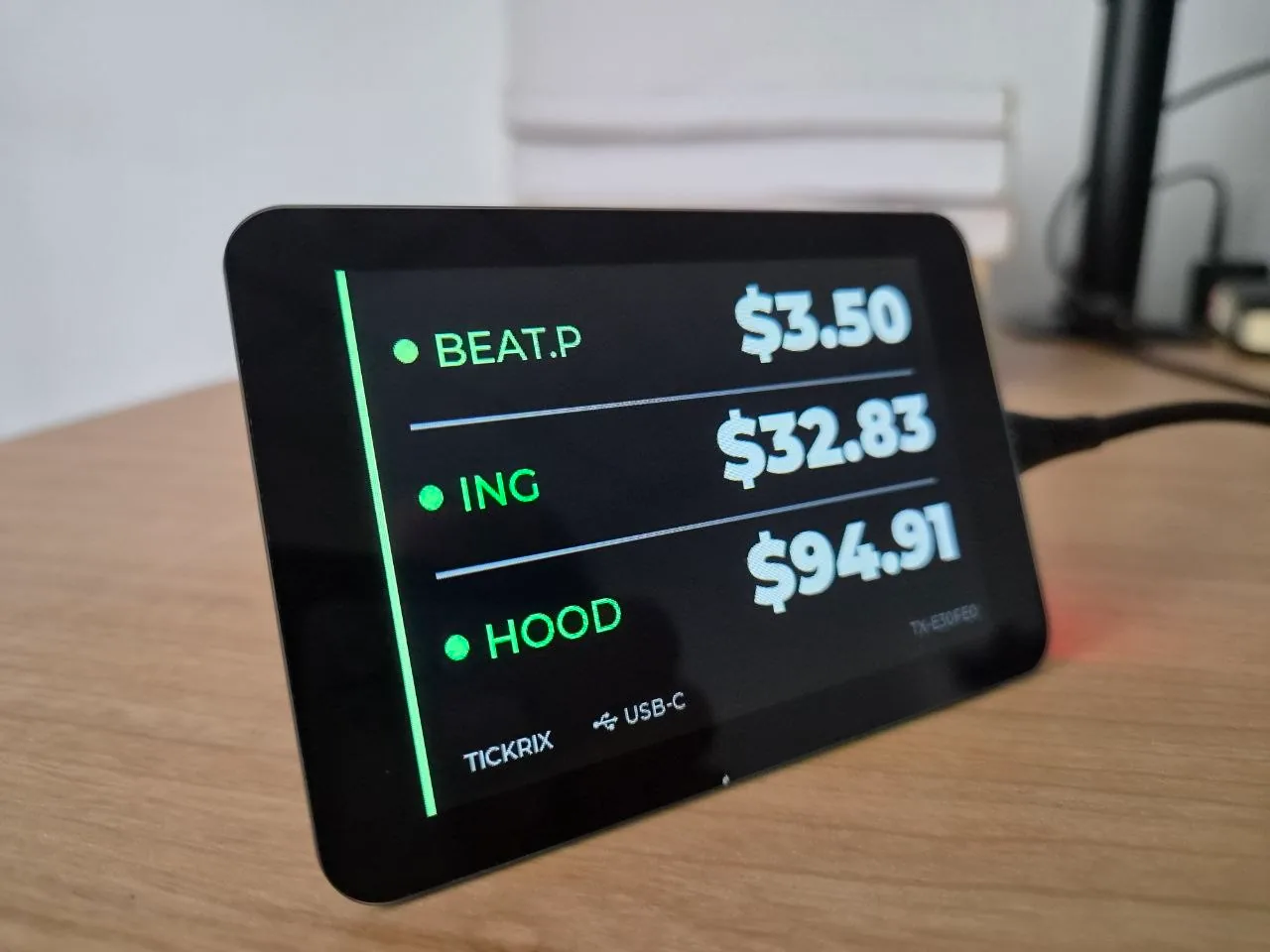
This is the actual device.
Not a render, not a mock-up. That footage is a Tickrix doing what it does all day, on hardware we build and test ourselves.
Every unit is assembled, flashed and checked by hand before it goes in a box.AK — founder
Markets
If it has a price, it fits on the screen.
Pick up to 20 assets from any mix of markets. You choose which exchange your crypto prices come from, so the numbers on your desk match the numbers you trade on.
Bitcoin price ticker → Stock ticker display →
| Display | 3.5″ IPS, 480×320, glass front |
|---|---|
| Price sources | MEXC, Binance, Bybit, Kraken, Coinbase, LBank for crypto · live stock, index, forex, gold and oil data · your own API endpoint if you prefer |
| Updates | Every ~10 seconds, with automatic fallback to backup providers |
| Assets | Up to 20, rotating · pause on any one with the button |
| Power | USB-C · battery version available |
| Network | 2.4 GHz WiFi — the band every home router has |
| Setup | Once, from any browser at tickrix.com/app · nothing to install |
Setup
Working in three steps.
Plug it in
USB-C in the back. The battery version just needs a charge first.
Give it your WiFi
Tickrix opens its own hotspot the first time. Join it, type your network name and password, done. You will not do this again.
Pick your assets
Open tickrix.com/app in any browser, enter the device ID from the screen, choose your markets and layout. The device updates itself within seconds.
The promise
What you're not signing up for.
Four things this product will never ask of you. They are design decisions, not a launch offer, and they are the reason the device outlives the company that made it.
Subscription
You buy it once. There is no monthly fee for showing prices, and there never will be.
App
Nothing to install, nothing to update. Configuration happens in a browser tab you'll open about twice a year.
Account
No sign-up, no password, no personal data. The device is identified by the ID on its screen. That's the whole system.
Lock-in
You choose the exchange the prices come from. Switch exchange, switch the setting. The hardware doesn't care.
If we disappear
A desk gadget shouldn't have a shelf life.
This category has a graveyard. Connected displays get funded, ship, build a following, and then the company is acquired or quietly stops manufacturing — and because the device needs a login and a company server to work, the hardware on the desk turns into a brick.
Tickrix is built the other way round. Your device holds its own configuration and talks to the exchange directly. There is no Tickrix account to lose access to. If this company ever stops, we publish the firmware so the thing you paid for stays useful.
Who makes it
Made by a trader, not a marketing team.
Tickrix is designed and built by AK, a trader and hardware developer who got tired of unlocking his phone two hundred times a day to see one number. The first version was for his own desk. The second was for people who saw it there.
Every unit is assembled, flashed and tested by hand before it ships. The company is registered in the Netherlands, KvK 42079622, which means EU consumer law applies to your purchase in full.
Questions
The things people actually ask.
Does it need a subscription?
No. You buy the device once. There is no monthly fee and no account to create. Showing prices will never cost you a recurring payment.
Do I need to install an app?
No. Setup happens in a normal browser tab at tickrix.com/app, on a phone or a computer. There is nothing to install and nothing to keep updated.
Which markets can it show?
Crypto spot and perpetual futures from MEXC, Binance, Bybit, Kraken, Coinbase or LBank — plus stocks, indices, forex pairs, gold and oil. Up to 20 assets, rotating automatically.
How often do prices update?
Roughly every 10 seconds. If a data source has an outage, Tickrix switches to a backup provider on its own, so you will usually never notice.
Does it work on 5 GHz WiFi?
No — Tickrix uses 2.4 GHz, which every home router broadcasts alongside 5 GHz. If your router merges both bands under one network name, you may need to split them temporarily during setup. We would rather tell you this now than have you find out after it arrives.
Can I choose which exchange the prices come from?
Yes, and this is the point. Pick your exchange in the browser tool and the numbers on the desk match the numbers in your order book. If your provider isn't in the list, point the device at your own API endpoint instead.
Battery or plugged in?
Both exist. The USB-C version stays plugged in. The battery version runs untethered and shows its charge level on screen. The device detects which one it is automatically.
What happens to my device if Tickrix stops trading?
It keeps working. Your device holds its own configuration and talks to the exchange directly — there is no Tickrix login attached to it. If we ever shut down, we publish the firmware so it can be maintained without us. The full commitment is here.
Next batch
Get one from the next run.
Tickrix is built in small production runs. Leave your email and you're first in line when the next batch is ready — no payment now, one email when it's your turn.
No spam. No payment. One email when it's ready.
- No card details
- Leave the list any time
- Ships from the Netherlands